October 7, 2026
As October rolls in, homeowners in Southington, CT may be evaluating whether their existing security equipment still meets their needs or considering a new system for their property. With different monitoring, camera, sensor, automation, and installation options available, comparing systems carefully can help homeowners choose features suited to their property.
For homeowners searching for “home security systems near me“, Lynx Systems LLC provides professional home security solutions in Connecticut. Before choosing or upgrading a system, consider your property’s layout, security priorities, desired features, and budget.
Understanding Your Home Security Needs
Before investing in a security system, assess the specific needs of your home.
Factors worth considering include:
- Property size and layout
- Number and location of entry points
- Existing security equipment
- Areas where cameras may be useful
- Monitoring preferences
- Smart-home devices already in use
- Household routines
- Desired alerts and remote-access features
Not every property requires the same equipment. Identifying your priorities can make it easier to determine which combination of sensors, cameras, monitoring, and other security features may be appropriate.
Key Features to Compare
When exploring “home security systems near me”, consider which features are available and whether they match your needs.
Depending on the system, options may include:
- Professional Monitoring: Some systems can connect to a monitoring service that receives qualifying system signals and follows established response procedures.
- Smart Home Integration: Compatible security equipment may integrate with supported smart-home devices or controls.
- Wireless Technology: Wireless components can provide flexibility in certain installations, although suitability depends on the property and system design.
- Security Cameras: Camera specifications can vary in resolution, viewing angle, storage, night-viewing capabilities, connectivity, and other features.
- Door and Window Sensors: Sensors can help detect when protected entry points are opened.
- Motion Detection: Motion sensors may provide another layer of detection in selected areas.
- Remote Access: Compatible systems may allow users to view system status, receive alerts, or control certain features remotely.
Available features depend on the equipment, monitoring service, configuration, and compatibility of the products being considered.
Budget Considerations
Cost is another important factor when comparing home security systems.
Pricing can vary depending on:
- Number and type of devices
- Cameras and recording equipment
- Sensors and detectors
- Installation requirements
- Monitoring services
- Smart-home integrations
- Equipment upgrades or additions
- Ongoing service plans
Rather than comparing systems based solely on the initial price, review what equipment and services are actually included.
When evaluating “home security systems near me”, ask for an explanation of equipment costs, installation charges, monitoring fees, and other applicable expenses before making a decision.
DIY vs. Professional Installation
Some home security products are designed for DIY installation, while other systems may be professionally installed.
DIY equipment may appeal to homeowners who are comfortable installing and configuring compatible devices themselves. However, installation requirements vary considerably among security products.
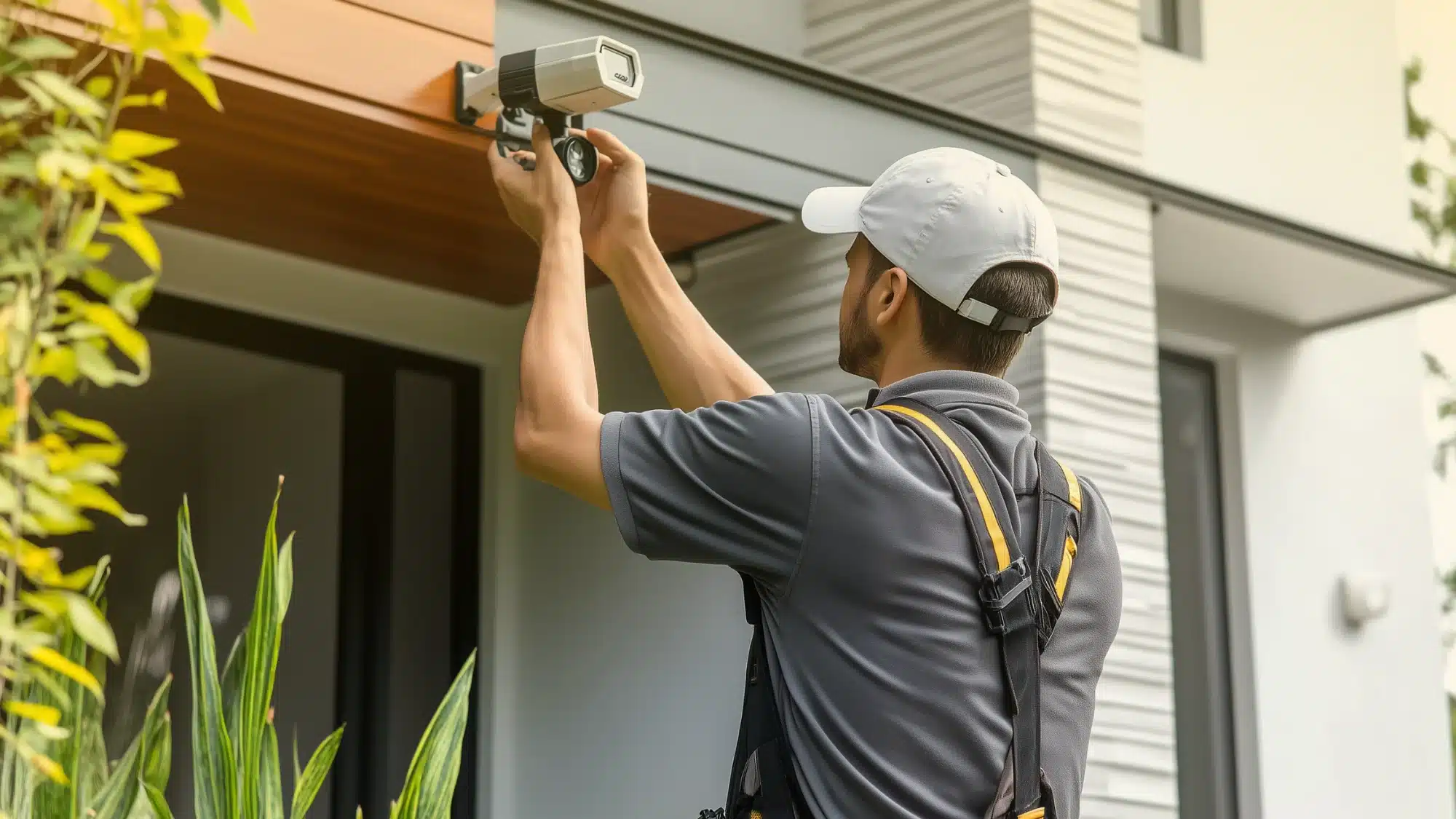
Professional installation can provide access to technicians who can evaluate equipment placement, configure compatible components, and test the installed system according to the equipment and service involved.
Lynx Systems LLC can help homeowners in Southington evaluate professionally installed security options based on their property’s needs.
DIY Installation Steps
If you choose equipment specifically designed for homeowner installation, follow the manufacturer’s instructions. General steps may include:
- Read the installation and operating instructions for the specific system.
- Determine appropriate locations for compatible sensors, cameras, and other equipment.
- Install and connect components according to manufacturer requirements.
- Configure network, account, or monitoring features when applicable.
- Test the equipment according to the manufacturer’s procedures.
- Keep instructions and support information available for future troubleshooting.
Avoid assuming that the same installation method applies to every security system.
Evaluating Customer Support
Support can be an important consideration when comparing security providers.
Before choosing a system, consider asking:
- Who should I contact if equipment stops working?
- What troubleshooting assistance is available?
- How are service appointments handled?
- What equipment warranties apply?
- Who handles monitoring-related questions?
- What happens if I want to add equipment later?
- Are software or firmware updates required?
Response times, warranty terms, service availability, and support procedures can vary by provider and equipment.
FAQ
What factors should I consider when choosing a security system?
Consider your property’s layout, entry points, monitoring preferences, camera needs, sensor options, smart-home compatibility, installation requirements, budget, and available support.
The appropriate combination will depend on your individual property and security priorities.
Can I install a home security system myself?
Some security systems are specifically designed for DIY installation, while others are intended for professional installation.
Follow the manufacturer’s requirements for the system you choose. If you’re unsure about equipment selection, placement, configuration, or compatibility, professional assistance may be useful.
Do security systems work during power outages?
It depends on the system.
Some security equipment includes battery backup or another backup-power feature that can allow certain functions to continue temporarily during an outage. However, backup duration and functionality vary by equipment and configuration.
Internet, cellular, monitoring, cameras, and other connected features may also respond differently during power or network interruptions. Ask how the specific system you’re considering operates during an outage.
How often should I update my home security system?
There is no universal requirement to replace or update a home security system every three to five years.
Consider an evaluation when equipment becomes outdated or unreliable, your property’s needs change, manufacturer support ends, desired features are unavailable, or components are no longer compatible with current technology.
Does a home security system prevent every break-in?
No security system can guarantee that a burglary or other incident will never occur.
Security equipment can provide detection, alerts, monitoring, video, or other features depending on the system, but its capabilities and limitations should be clearly understood before installation.
Taking the Next Step
Choosing a home security system involves more than comparing a single camera or alarm device. Consider how monitoring, sensors, cameras, smart features, installation, support, and ongoing costs work together for your particular property.
If you’re searching for “home security systems near me” in Southington, CT, contact Lynx Systems LLC to discuss available home security options and determine which features may be appropriate for your home.